What to tell your florist for a personal bouquet
A few thoughtful details can turn an arrangement you like into a gesture that feels like you.
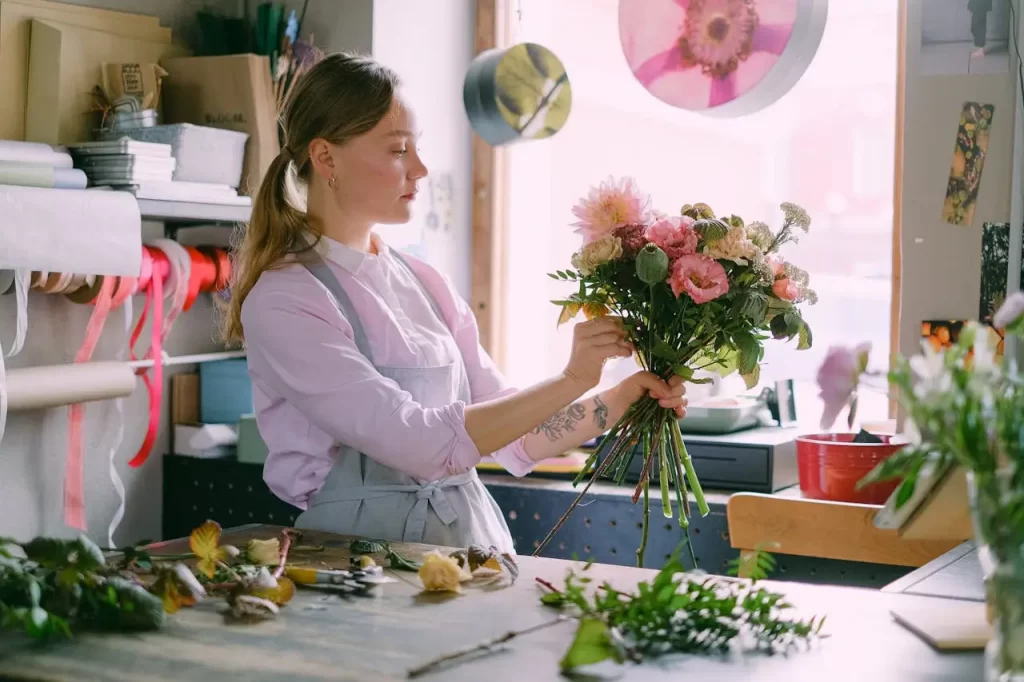
You do not need to know flower names to plan a personal arrangement. Your florist can start with an occasion, a feeling, or even a photograph that catches your eye. A clear conversation helps everyone understand what matters most.
Share the feeling you want to send
Celebratory, romantic, gentle or comforting: a few words about the occasion are often more useful than a long list of stems. Tell us who the flowers are for and whether they have a favourite colour or a style they love.
Show us what catches your eye
If an arrangement in our collection feels right, use the inquiry button on its page. The message includes the flower name and page link, making it easier to discuss that particular design. You can also explain which features you would like to keep or change.
Be clear about practical details
Share your preferred date, delivery city or area in the Philippines, and budget. If the arrangement needs to fit on a small desk or travel with the recipient, mention that too. Ask about flower availability and alternatives before deciding.
Confirm before you finalise
Seasonal availability can affect colours and varieties. Make sure you and your florist agree on the presentation, message card, final price and delivery arrangements. This website is a place to browse and inquire; orders are discussed and confirmed personally.
Ready to begin? Find a little inspiration in our collection, or send us your ideas.